
Your Mac, on autopilot
Farmanix turns instructions into completed work — executed live on your Mac.
How it works
1
Describe your task
Describe the goal in plain language. More context helps Farmanix execute accurately and safely.
2
Create an action plan
Farmanix turns your request into a step-by-step plan and routes each step to the right modules.
3
Execute
Farmanix executes the plan on your Mac in real time — turning steps into completed work.
4
Stay in control
Farmanix acts only with your approval, and can be stopped instantly at any time.
Why it’s different
Not hardcoded commands
The goal is dynamic decision-making — Farmanix chooses what to click, type, and open based on the current screen and your request, not a rigid list of predefined scripts.
Built to take action
Farmanix doesn’t just respond — it takes action on your Mac to move the work forward.
Works where you work
Built for real Mac workflows across real apps — not a demo environment.
Early build • Built solo • ~3 months in development
What works today
- Executes multi-step workflows on your Mac — turning plans into completed work in real time
- Most reliable today for clear, specific requests and early workflows
What’s being improved now
- Better intent understanding & less overspecifying
- Higher UI reliability — better screen understanding and accuracy
- Faster execution + stronger safety boundaries
Where it’s going
- A universal Mac operator for complex workflows
- More autonomy — handles ambiguity, pop‑ups, and edge cases
- Chat + Act mode: discuss, then execute
- macOS first, with a path to Windows later
- Background mode: runs while you do other work
Details
Farmanix is an early build in active development. Today it’s most reliable for clear, specific requests and early workflows — describe the goal, Farmanix turns it into a step-by-step plan, and executes it live on your Mac while you stay in control.
The focus right now is on improving intent understanding, increasing UI reliability, and speeding up execution without compromising safety — so Farmanix can handle real-world variability like UI changes, pop‑ups, ambiguous choices, and imperfect screen understanding.
Farmanix acts only with your approval and can be stopped instantly at any time. Over time, the goal is a universal Mac operator for complex workflows — with more autonomy, stronger error recovery, and a Chat + Act mode where you can discuss a goal when needed, then let Farmanix execute end-to-end with consistent, safe outcomes that meaningfully reduce manual work for individuals and teams.
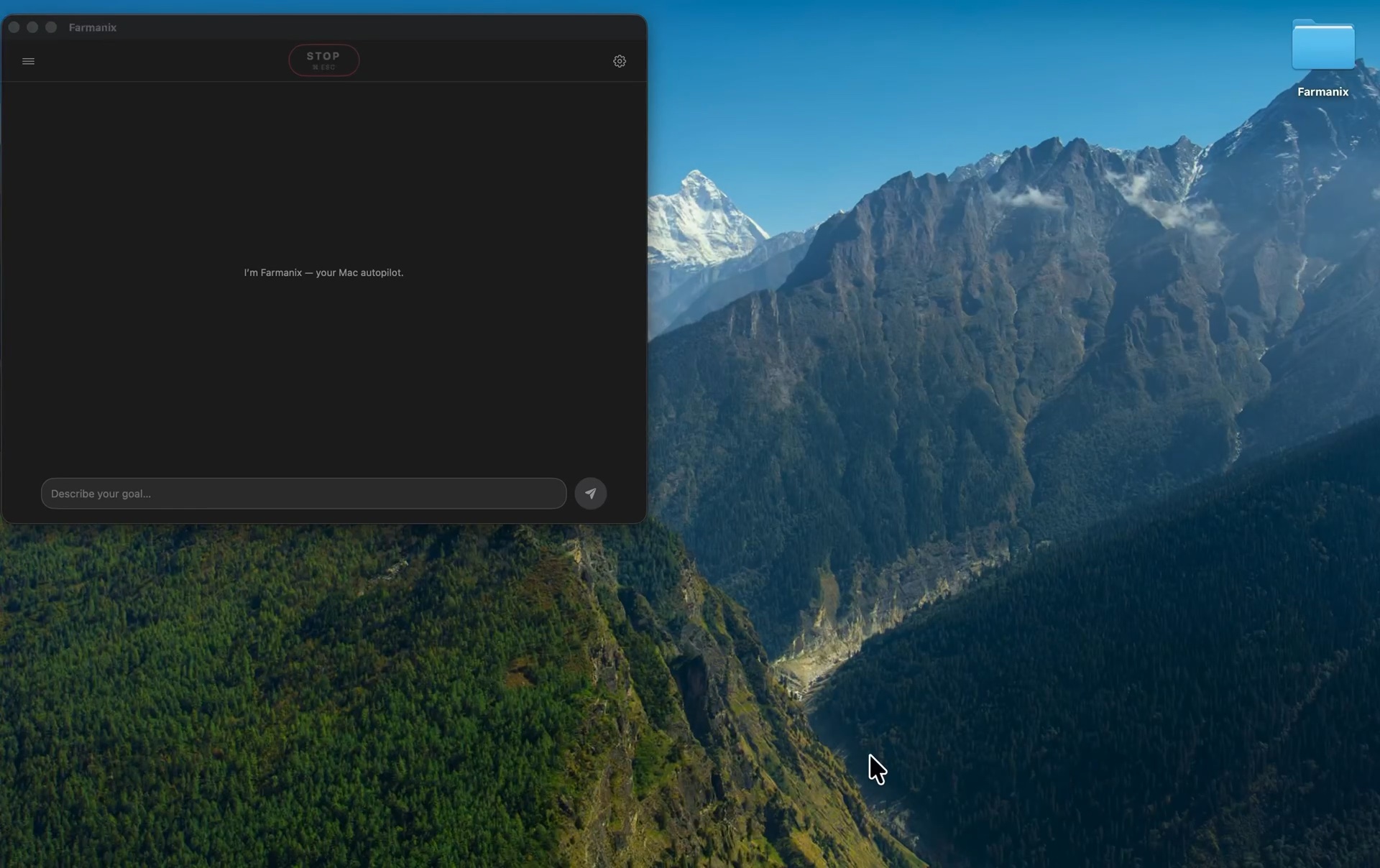
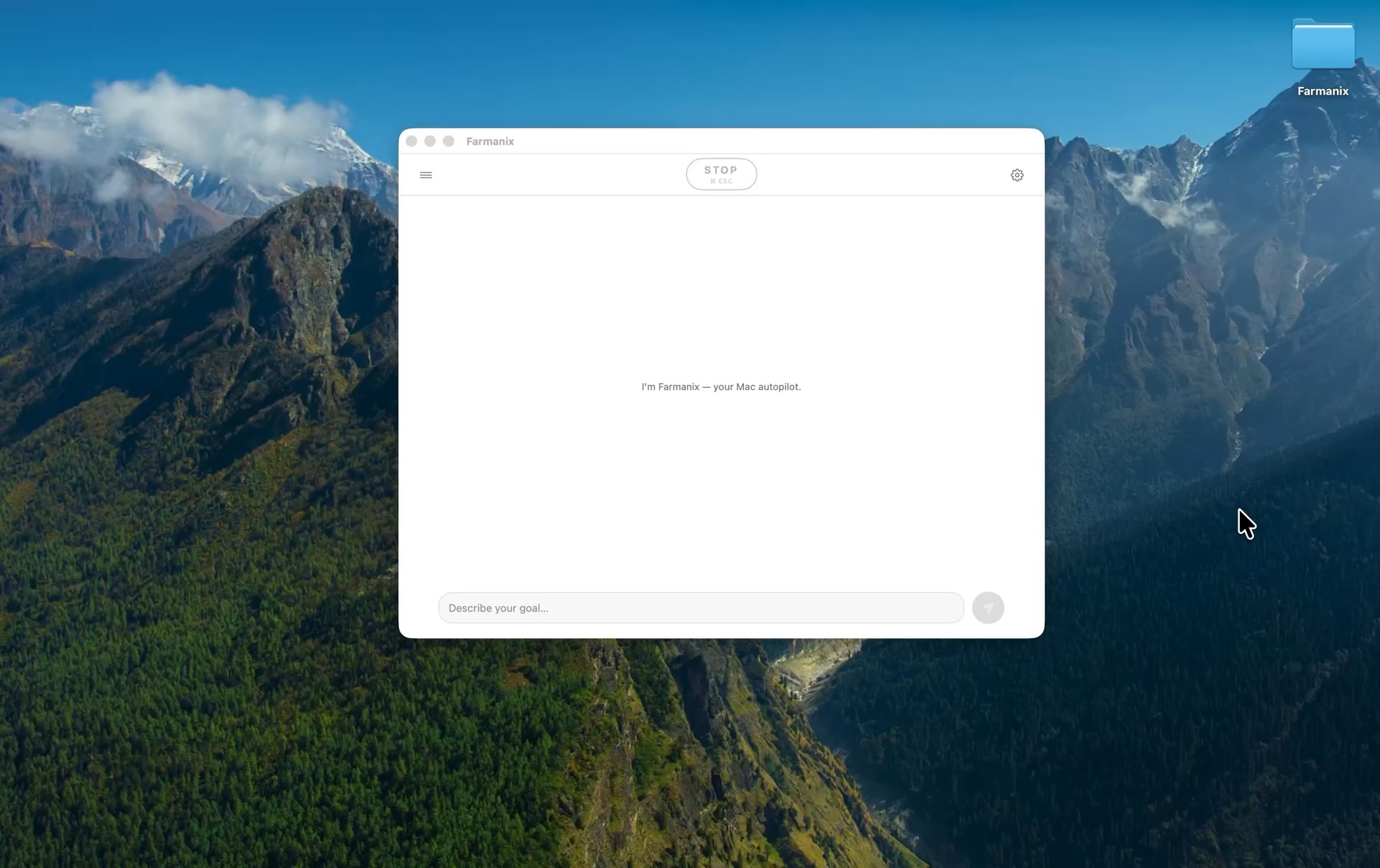
See Farmanix in action
Three quick clips from the early build — showing the core concept in action.
Be part of the journey — let’s connect
I’m an Investor
Overview, progress, and next milestones.
Send a note
I’m a builder
Help shape the product from the earliest days.
Send a note
I’m interested
Get notified when Farmanix launches.
Join early access